Table of Contents
- What Causes Hard Drive Failure?
- Causes of hard drive failure
- What Are the Early Warning Signs of Hard Drive Failure?
- How Can You Check for Hard Drive Failure?
- How to Prevent Hard Drive Failure
- When Should You Contact Disk Doctors for Recovery?
- What Types of Drives and Systems Does Disk Doctors Support?
- How Disk Doctors Can Help You Recover Lost Data
- Protect Your Data with Professional Support
- FAQs: Hard Drive Failure and Recovery
- Frequently Asked Questions
Causes of Hard drive failure occur when the device cannot read, write, or access data due to physical damage, mechanical wear, electrical issues, or logical corruption. These failures can occur suddenly or develop over time, causing lost data and system failures. Prevention includes temperature control, safe handling, stable power, and regular backups, while severe issues require professional hard drive data recovery from experienced specialists.
Hard drives remain one of the most common points of failure in modern devices because they contain complex mechanisms that operate at high speeds. When failures occur, the impact can be severe, especially when storing critical data for home users or businesses. Understanding the main causes of hard drive failure helps you take proactive steps to protect your information and reduce the risk of permanent data loss.
What Causes Hard Drive Failure?
Hard drives fail due to mechanical, electrical, logical, firmware, or environmental issues. These problems affect the drive's internal components, leading to bad sectors, corrupted data, missing files, and eventual system failure. The most common causes of hard drive failure are often linked to everyday use, poor environments, or unmanaged system faults.
Causes of hard drive failure include:
- Mechanical wear and physical damage
- Logical corruption of system files or partitions
- Heat, dust, and environmental stress
- Firmware faults or buggy updates
- Electrical surges or unstable power
- User errors and improper handling
- Manufacturing defects or poor quality control
Hard disk drive failure becomes more likely over time because mechanical parts wear out, firmware becomes unstable, and operating environments expose drives to risk. Manufacturers like Western Digital and Seagate design drives to tolerate normal wear and tear, but ongoing stress or sudden damage accelerates failure.
What are mechanical failures, and why do they occur?
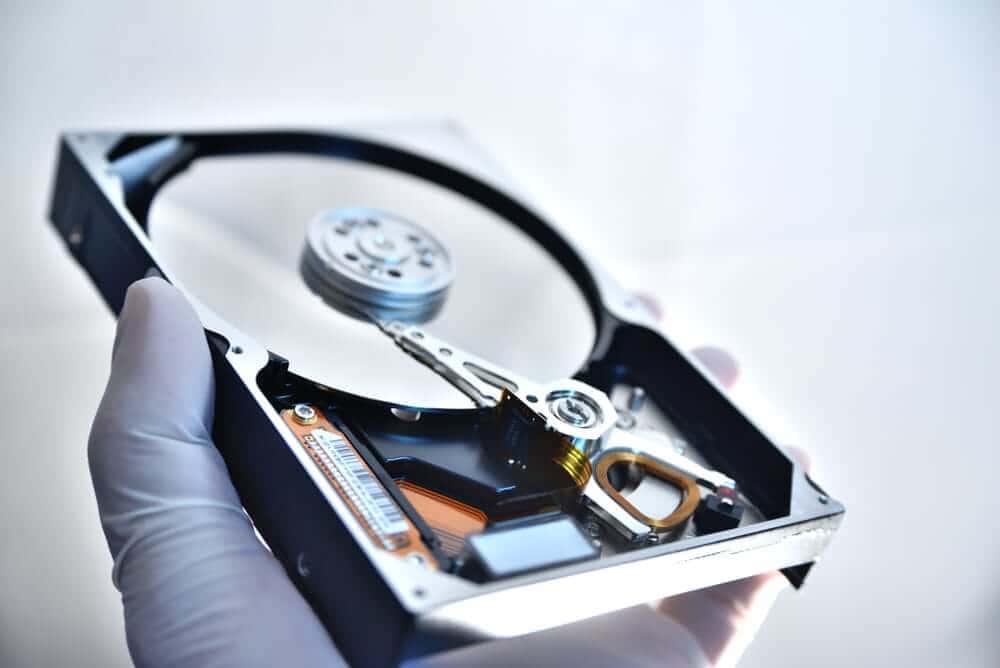
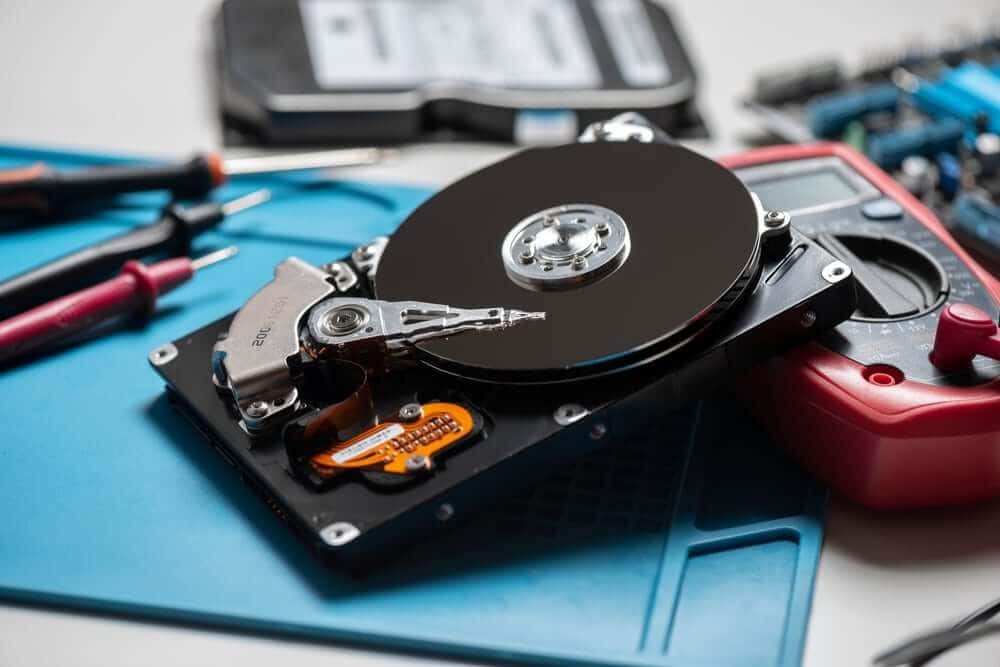
Mechanical failure happens when physical components inside the drive stop working correctly, including the motor, read/write heads, and platters. A common example is a head crash, where the head touches the magnetic surface and causes permanent physical damage.
These issues can result from shock, vibration, poor quality control, manufacturing defects, or simply normal wear. When mechanical drive issues occur, the device may produce unusual noises, grinding sounds, or fail to spin up.
Mechanical failures are one of the leading causes of hard drive failure because HDDs rely on moving parts. Once damaged, attempts to recover data without specialised tools usually make the situation worse, which is why a professional data recovery service is essential.
What causes logical failures inside a hard drive?
Logical causes of hard drive failure - Logical failures occur when the drive’s basic functions work, but system files or structures become corrupted. Causes include software bugs, virus infections, abrupt shutdowns, and improper formatting.
Logical issues lead to missing files, corrupt data, write errors, and frequent crashes. These problems can sometimes be corrected with disk utility software, but repeated DIY attempts often overwrite lost data, making professional recovery harder. Users looking for data recovery tips may try software solutions, but these are often ineffective against deep corruption.
Can heat and environmental factors damage a hard drive?
Yes. Excessive heat shortens a drive’s lifespan because temperature changes warp components, accelerate wear, and cause alignment problems.
HDD overheating risks increase dramatically in poorly ventilated areas, dusty environments, or systems with blocked airways. Users may also experience slow performance, frequent blue screens, and unexpected shutdowns when systems overheat.
Humidity, dust, and physical shock are equally harmful and can lead to imminent failure of internal components, making preventing hard drive failure more difficult if the environment is unmanaged.
How do firmware problems cause drive failures?
Firmware controls the drive’s ability to communicate, perform operations, and manage data structures. When firmware becomes corrupted or buggy, the drive may stop responding, misreport its capacity, or refuse to initialise.
Firmware issues often present like mechanical failure, but require specialised tools to diagnose and repair. In complex cases, a data recovery specialist must rebuild firmware modules manually.
How does user error contribute to hard disk failure?
User error is a major contributor to hard disk failure. Common mistakes include:
- Dropping laptops or external drive units
- Pulling power cables before shutdown
- Using unstable third-party software
- Improper installation or removal
- Ignoring early warning signs
Human error often leads to preventable damage, unnecessary data loss, and costly recovery procedures. Simple habits such as shutting down devices properly, help prevent HDD failure in everyday use.
 Causes of hard drive failure
Causes of hard drive failureWhat Are the Early Warning Signs of Hard Drive Failure?
A failing hard drive often shows warning signs before complete failure. Identifying these hard drive failure signs early increases the chance of recovering data safely before further damage occurs.
Recognisable signs of hard drive failure include:
- Frequent blue screens or system crashes
- Noticeably slow performance or freezing
- Clicking, grinding, or spinning noises
- Missing files, corrupt data, or read errors
- Boot failures or repeated warning messages
- Bad sectors found during scans
- Drive disappearing from BIOS or OS
Self-monitoring tools may also report imminent failure. Operating systems sometimes show alerts, but many users ignore them until the drive has already failed.
These signs indicate that physical or logical breakdown has already begun, and preventing hard drive failure becomes harder once active symptoms appear.
How Can You Check for Hard Drive Failure?
Users can check for early signs using built-in monitoring tools, command prompt commands, or third-party diagnostic tools.
Steps include:
- Check S.M.A.R.T. status using system tools
- Run surface scans to detect bad sectors
- Review system logs for frequent crashes
- Monitor temperatures using hardware tools
- Perform soft diagnostic testing
However, aggressive testing on a failing hard drive can accelerate failure, especially during mechanical failure.
If critical data is at risk, stop using the device and contact a specialist for hard drive data recovery, as continued usage increases damage.
How to Prevent Hard Drive Failure
Preventing causes of hard drive failure involves protecting both the physical hardware and the data stored on it. Regular maintenance, secure handling, and stable power are key.
Prevention steps include:
- Keep systems cool and dust-free
- Use surge protection and UPS devices
- Avoid moving devices while running
- Perform regular backups of important data
- Run periodic diagnostics to monitor health
- Keep firmware and operating systems updated
- Replace old drives before failure occurs
These actions help prevent HDD failure, reduce risk, and maintain long-term reliability.
Temperature control and cooling best practices
Temperature management should be a core part of preventing HDD failure. Excessive heat accelerates mechanical wear, while dust interferes with internal mechanisms. Users should keep systems in cool, dust-free environments and ensure airflow is not blocked.
Power stability and electrical safety tips
Power surges and electrical fluctuations cause data corruption, motor failure, and damaged controllers.
Users should:
- Use surge protectors
- Install uninterruptible power supplies
- Avoid sudden shutdowns
Stable power dramatically reduces the risk of hardware damage and system file corruption.
Preventing physical and mechanical damage through safe handling
Safe handling is one of the simplest ways to reduce mechanical failure and physical damage. Even a minor shock can damage mechanical components or cause head crashes that lead to lost data.
Portable external drive units are especially vulnerable. Handle devices gently and transport them in protective cases where possible.
Using backups to minimise data loss and disruption
All hard drives eventually fail due to normal wear and tear. Regular backups to cloud storage or external drive systems protect important data before problems occur.
Backup best practices:
- Keep multiple copies
- Automate schedules
- Test restorations regularly
Backups are one of the most effective data recovery tips because they protect information even in total device failure.
When Should You Contact Disk Doctors for Recovery?
DIY attempts often worsen data loss, especially during mechanical or electronic failure. When you experience unusual noises, missing files, error messages, or sudden shutdowns, stop using the device and seek professional data recovery.
Disk Doctors provides a hard drive data recovery service designed to help businesses and individuals recover critical data from failed drives.
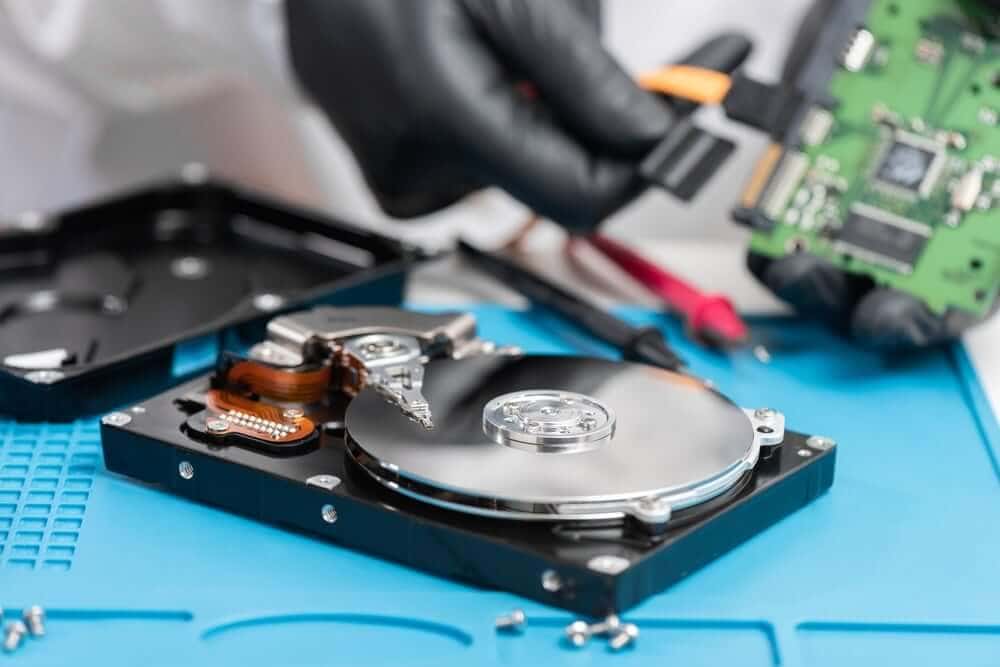
Our engineers use specialised tools in controlled environments to safely recover data from drives with mechanical failure, logical corruption, firmware damage, and physical damage. Learn more about our services at Disk Doctors Data Recovery.
What Types of Drives and Systems Does Disk Doctors Support?
We work with a wide range of hard drives and storage interfaces, including:
- ATA (IDE, EIDE or PATA)
- SATA
- SCSI
- SAS
- FC-AL
- USB external drive
We also support data recovery across multiple operating systems, including:
- Windows – all versions
- macOS
- UNIX, Linux, Sun Solaris, BSD
- Linux
- Sun Solaris
- BSD
- Novell
- DOS and other legacy systems
Our services are suitable for personal devices, business servers, and enterprise environments where failure affects mission-critical systems. If you are unsure whether your device can be restored, our Data recovery services can assess compatibility and guide next steps.
How Disk Doctors Can Help You Recover Lost Data
We specialise in professional data recovery and restoration for damaged drives, external drive systems, RAID servers, and complex environments.
If you are facing a failed drive, backup issues, or corrupted system files, our engineers can assist through our hard drive failure recovery service, designed to safely recover critical files.
Protect Your Data with Professional Support
Hard drive failure can happen suddenly or gradually, but quick action makes recovery more successful. If you are dealing with a failing hard drive, missing files, corrupt data, or warning signs, contact Disk Doctors for expert, safe, and reliable recovery services.
Our professional london data recovery team supports individuals and businesses across all major systems, helping to recover data and prevent future disruption.
FAQs: Hard Drive Failure and Recovery
Frequently Asked Questions
What should I do first if my hard drive stops working?
Stop using the device immediately, especially if you hear unusual noises or experience frequent crashes. Continued use risks irreversible data loss. A professional data recovery service should assess the damage and safely recover data using specialised tools that protect the drive's condition. Attempting DIY fixes can overwrite or destroy important data permanently.
Can software recover data from a mechanically damaged hard drive?
No, software cannot repair physical components or fix mechanical failure. Tools may help in simple logical cases, but they make mechanical issues worse. Drives with head crashes, motor failure, or damaged platters need professional data recovery specialists who work in controlled environments to reconstruct damaged areas safely.
How long do hard drives typically last before failure?
Most hard drives last between three to five years, although heavy workloads or harsh environments shorten their lifespan. Normal wear, heat, vibration, and manufacturing defects can accelerate hard drive failure. Regular backups and monitoring tools help detect early warning signs and protect data before urgent failure occurs.
Can overheating permanently damage a hard drive?
Yes, excessive heat warps internal components and causes magnetic instability, corrupt data, bad sectors, and eventual mechanical breakdown. Overheating also increases the risk of sudden shutdowns, blue screen errors, and lost data. Systems should be kept cool, clean, and properly ventilated to prevent long-term damage.
Is it possible to recover data from external storage devices?
Yes, portable devices can often be restored if physical damage is limited and mechanical failure has not escalated. Our engineers use specialist processes to recover data from USB drives, portable HDDs, and removable media. Learn more about how we restore portable devices through our external drive recovery service.