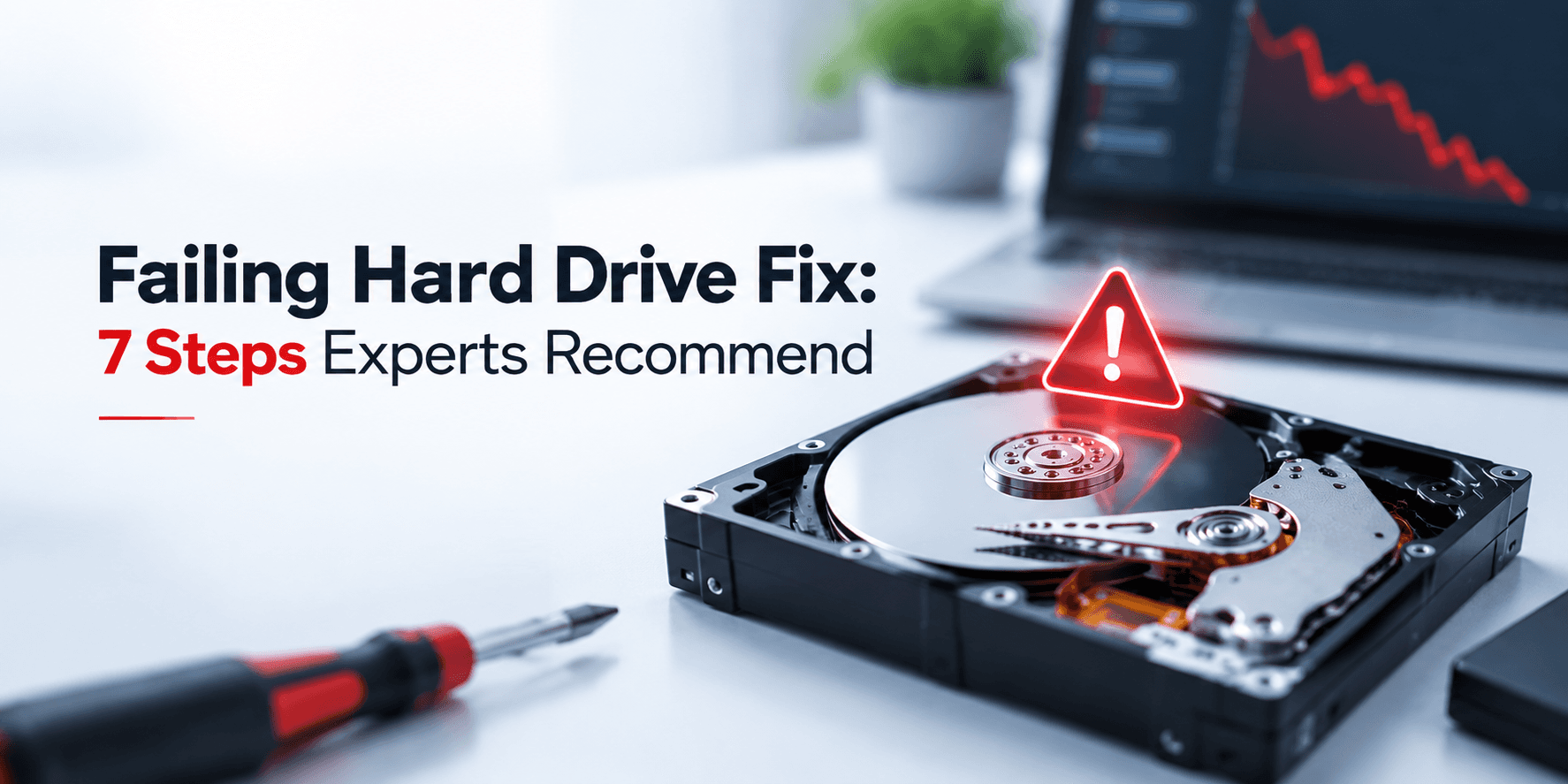
Your hard drive starts making a strange clicking noise… files begin loading slowly… and suddenly your computer stops recognizing the drive. At that moment, most people panic — and unfortunately, many make mistakes that turn a recoverable problem into permanent data loss. A clicking hard drive is one of the most common warning signs of serious drive failure. In many cases, the data can still be saved, but the first few actions you take can directly affect the chances of successful... more »
You deleted a file… emptied the recycle bin… and now it’s gone. Or is it? Most people assume that once a file is deleted, it disappears permanently. In reality, that’s not how storage systems work. To recover deleted files is still possible in many cases, and in more complex situations, professional data recovery services may be required to safely retrieve lost data. But there’s a catch: recovery isn’t guaranteed. And certain actions can make those files... more »
Gmail account recovery is Google’s built‑in process for helping users regain access to their accounts when they can’t sign in. It’s designed to verify your identity and restore access whether you’ve forgotten your password, lost your recovery phone, or your account has been compromised.Users typically need Gmail account recovery when they’re locked out unexpectedly — often due to password issues, security changes, or suspicious activity. Google uses a dynamic... more »
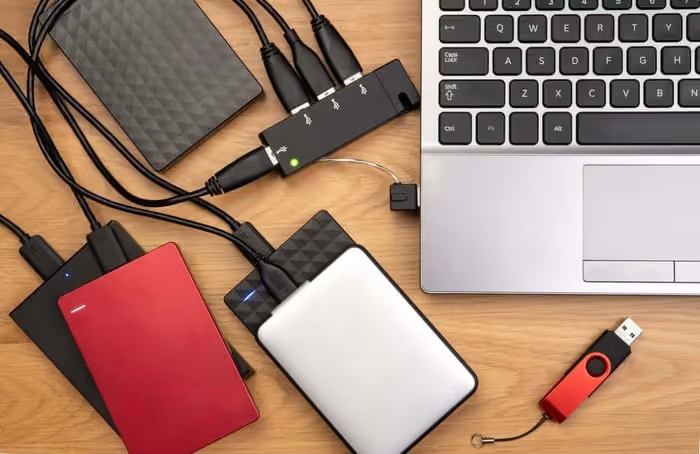
A RAID array failure can arrive without warning, and the decisions made in the first twenty-four hours after discovery are frequently what determine whether data is recoverable or permanently gone. RAID is often misunderstood as complete protection against data loss, but it is not. It is a redundancy mechanism with specific failure modes, and once certain thresholds are crossed, redundancy alone is not enough. Knowing what to do, and critically what to avoid, when your RAID array fails gives you... more »