Linux Data Recovery Services
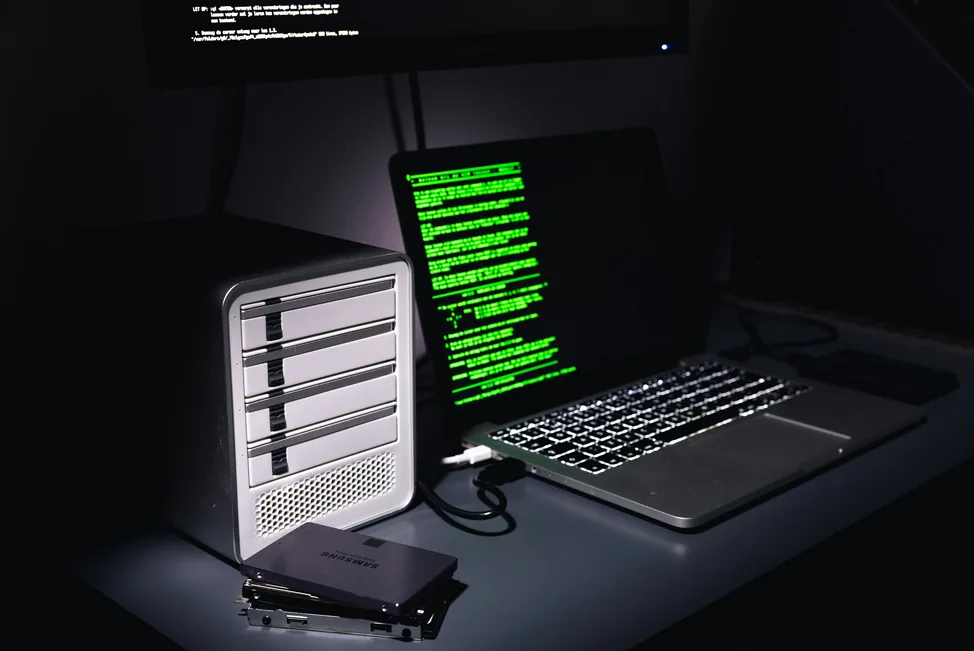
Data Recovery from a Crashed Linux OS? To find out how you can regain lost data same or next day, call now!
Linux data recovery restores lost, deleted or inaccessible data from systems that have become damaged, corrupted, or impossible to boot. We provide fast, professional Linux recovery for servers, workstations, external drives, RAID arrays and complex storage environments throughout the UK.
Start Your Data Recovery Case
How much will data recovery cost?Submit your details to get a free data recovery quote, Free Consultation or Free Shipping Label.
Linux system won't boot, RAID array degraded, or file system reporting errors? Stop right there.
Running fsck repeatedly, forcing a reboot, or attempting a RAID rebuild yourself can overwrite the very data you're trying to save. Power the system down and let our engineers stabilise it first.
What Is Linux Data Recovery?
Linux environments handle partitioning, metadata and file system structure differently from Windows and macOS. Recovering lost data requires a precise understanding of file systems such as EXT2, EXT3, EXT4, BTRFS, XFS, JFS and ZFS.
We recover data from logical faults affecting the structure of the file system, and from physical damage such as drive malfunctions, PCB issues, motor failure or environmental damage — often the same case involves both.
Why Choose Disk Doctors for Linux Recovery
Disk Doctors has decades of experience restoring lost data from complex Linux environments, including damaged servers, RAID systems, removable media and non-booting disks with both logical and physical issues.
Our recovery engineers provide Class 100 Clean Room service for physical failures, secure diagnostics with fixed transparent pricing, same-day evaluation, and a strict no-data, no-fee policy.
Supported Data Loss Situations
- Accidental deletion or formatting
- Corrupted MBR, superblock, or metadata
- Failed RAID rebuilds or degraded arrays
- Sudden power loss during writes
- File system damage caused by software malfunction
- Non-booting servers and workstations
Software-Based vs Professional Linux Recovery
Software tools may help recover deleted files or restore files that Linux users have lost, provided the storage media is healthy. However, these tools cannot repair physical failures, rebuild partitions, or resolve corrupted superblocks.
Most data recovery for Linux cannot be completed safely with generic tools if the disk cannot be mounted, metadata is damaged, the file system is corrupted, or RAID arrays are degraded. For complex failures, professional intervention is the safest option.
Our Data Recovery Process
Our data recovery process is secure, transparent, and designed to minimise downtime. Here's how it works:
Send us your device using the free postage label and our engineers will assess it for free. We'll let you know exactly what's recoverable before you commit.
We create a full, bit-by-bit clone of your storage media to preserve the original. Your data remains untouched while we work on the image copy.
Depending on the fault, we use cleanroom hardware repairs or forensic software tools to extract your data, even from damaged or encrypted media.
You'll receive a file list of everything we can recover. Once approved, we'll return your data on a secure USB drive or via encrypted cloud transfer.
Supported Operating Systems
Windows
NTFS, FAT32 & exFAT recovery across every Windows release.
From Windows 11 down to legacy XP and Server builds, we recover deleted, formatted and RAID-failed volumes — including BitLocker-encrypted and dynamic disks.
Mac
APFS & HFS+ recovery, including encrypted and Time Machine volumes.
We work on MacBook, iMac and Mac Pro drives running any macOS version, on both Apple Silicon and Intel hardware, including FileVault-encrypted and Fusion Drive setups.
UNIX / Linux / Solaris
ext2/3/4, XFS, ZFS & UFS recovery on Unix, Linux and Solaris.
Covers standalone servers, NAS appliances and RAID/LVM arrays running Linux, Sun Solaris, IBM AIX, HP-UX, BSD variants and other Unix-based systems.

Novell
Novell NetWare recovery using the NSS file system.
Our engineers work directly with Novell NetWare servers, recovering data from both traditional and NSS volumes after corruption or failed migrations.
DOS & Others
Legacy DOS, FAT16 and other older or discontinued systems.
We also support other legacy and discontinued platforms not listed here — get in touch to check compatibility with your specific system.
Supported File Systems & Devices
File systems: EXT2, EXT3, EXT4, BTRFS, XFS, JFS, ZFS, and FAT for dual-boot systems.
Devices: Hard disk drives (IDE, SATA, SCSI, SAS, Firewire), RAID arrays, NAS and enterprise servers, tape cartridges, and removable media such as USB and ZIP drives.
Other operating systems we support: Windows, Mac, UNIX, BSD (FreeBSD, OpenBSD, NetBSD), and Novell.
Before You Send It In: Expert Tips
- Do not format the drive or create a new partition
- Never reinstall the operating system or run an automated restore wizard, as it may overwrite your data
- Power off the drive immediately if you hear unusual sounds coming from it
- Do not attempt multiple reboots
- Do not shake or tap the drive, as this can cause further damage
- Always seek professional help — call Disk Doctors on 0800 0436 611
Trusted by Customers Across the UK

I think you provided an outstanding quality of service in an era of substandard service. You are specialists in a field that is worth every penny you charge.
Linux Data Recovery FAQs
Looking for more answers? Click here to see the full set of questions →