Table of Contents
- What Does It Actually Mean When a RAID Array Fails?
- Why Are the First 24 Hours After RAID Failure So Critical?
- What Are the Most Common Causes of RAID Array Failure?
- What Should You Do Immediately After a RAID Array Failure?
- What RAID Types and Configurations Can Disk Doctors Recover?
- What Early Warning Signs Should Never Be Ignored?
- FAQs: RAID Array Failure
- Frequently Asked Questions
What to Do If Your RAID Array Fails
A RAID array failure can arrive without warning, and the decisions made in the first twenty-four hours after discovery are frequently what determine whether data is recoverable or permanently gone. RAID is often misunderstood as complete protection against data loss, but it is not. It is a redundancy mechanism with specific failure modes, and once certain thresholds are crossed, redundancy alone is not enough. Knowing what to do, and critically what to avoid, when your RAID array fails gives you the best realistic chance of getting your data back.
What Does It Actually Mean When a RAID Array Fails?
A RAID array failure typically presents as the array becoming inaccessible, reporting a degraded or offline status, or the operating system failing to mount the volume. The specific meaning depends on the RAID level and the nature of what has failed.
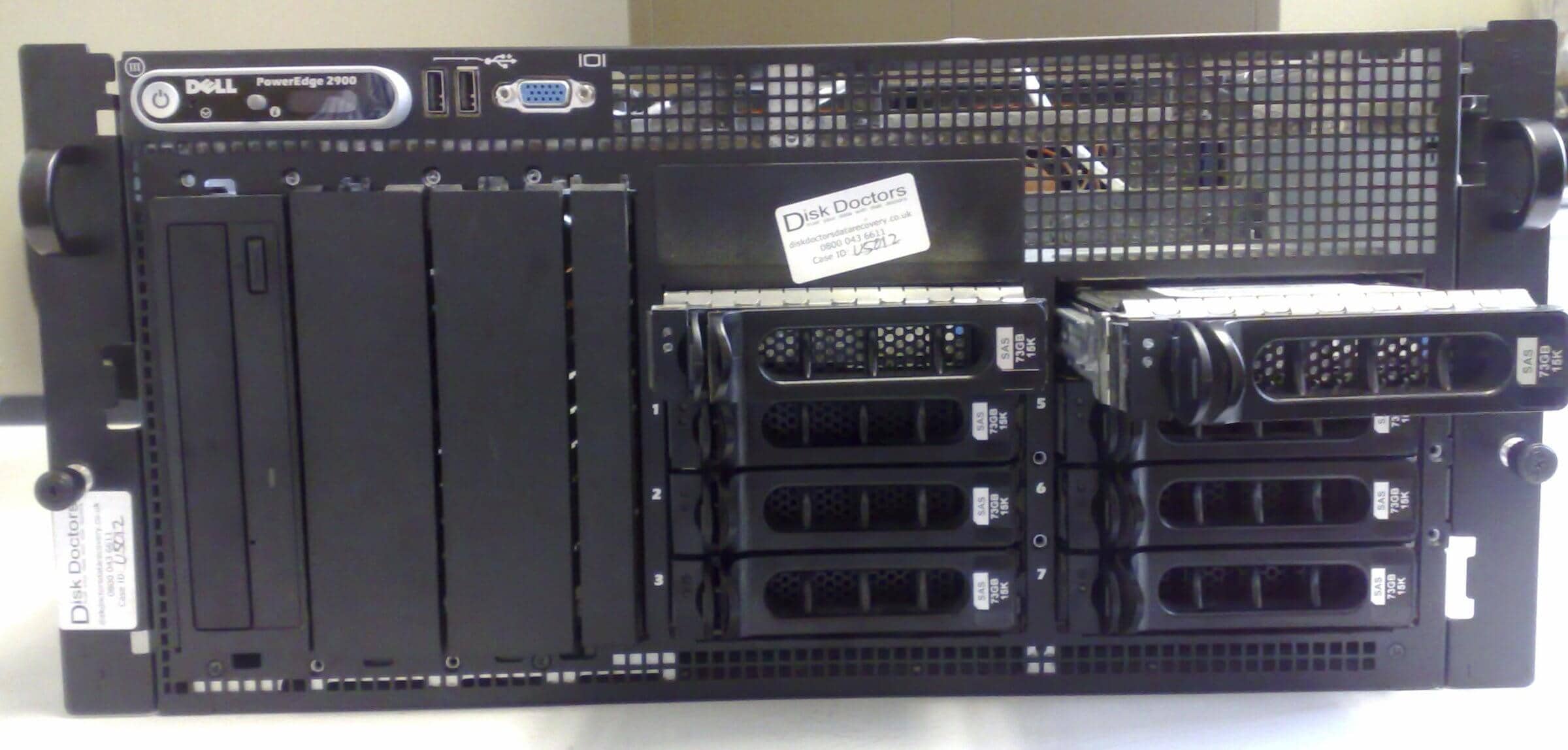
In a RAID 5 array, the failure of a single disk puts the array into a degraded state. Data remains accessible through parity reconstruction, but fault tolerance is gone entirely. If a second disk fails before the first has been replaced and the array rebuilt, the entire volume goes offline, and data becomes inaccessible. This specific failure sequence, often triggered when a second ageing disk gives out under the additional read load of the rebuild process, is the most common serious RAID failure scenario presented to data recovery labs.
RAID 0 has no redundancy at all. The failure of any single member disk takes the entire array offline. RAID 6 and RAID 10 offer greater tolerance, but they each have failure thresholds that, once exceeded, produce the same result: an inaccessible volume and data you cannot reach through normal means.
Hardware RAID controller failure, firmware corruption, and power outage-related write corruption can also take any array offline, regardless of individual disk health. In these cases, the disks themselves may be completely intact, but the controller cannot read the array configuration.
Whatever the specific failure mode, RAID array recovery is a specialist task requiring an understanding of the specific configuration, controller type, and failure mechanism. Disk Doctors Data Recovery has over thirty years of experience handling complex array failures for businesses and IT teams across the UK.
Why Are the First 24 Hours After RAID Failure So Critical?
Every write operation that occurs on a RAID array after a failure reduces the probability of complete data recovery. In a degraded array that is still partially accessible, the operating system may continue writing to the remaining disks, overwriting areas where data from the failed disk could have been reconstructed. The longer the system continues running in this state, the more of the original data is potentially and irreversibly overwritten.
In a completely offline array, the disks are not receiving new writes, but the temptation to act can be equally damaging. Replacing a failed disk and forcing a rebuild, running a filesystem repair tool, or attempting recovery with generic software can each, if carried out without a complete understanding of the array's specific configuration and failure mode, turn a recoverable situation into an unrecoverable one.
The twenty-four-hour window matters for another reason. Some disk failures are progressive. A drive that is mechanically degrading may still be readable in the first hours after failure, but fail completely within a day. Cloning that disk while it is still partially functional is a fundamentally different task from recovering data from one that has fully seized. Early professional intervention addresses both the write-activity risk and the mechanical degradation risk simultaneously.
What Are the Most Common Causes of RAID Array Failure?
Disk failure: Especially in arrays with equally aged drives.
Power outages/surges: Can corrupt RAID metadata and interrupt write operations.
Controller failure: Prevents reading the array configuration.
Firmware/software update errors: Can corrupt metadata or reset configurations.
Single or multiple disk RAID array failure is the most straightforward cause. Hard drives have finite operational lifespans, and in arrays where all member disks were purchased and installed simultaneously, they tend to approach end-of-life at the same time. This is why RAID 5 arrays sometimes experience the particular nightmare of a second disk failure during the rebuild following the first: both disks were equally aged and equally stressed under normal operation.
Power outages and voltage surges are a significant cause of RAID corruption, particularly for arrays whose controllers lack a battery backup unit. Write operations interrupted mid-completion leave the array in a logically inconsistent state that the controller may be unable to resolve correctly when power is restored. Unexpected power loss is one of the most common causes of NAS RAID volumes failing to mount after a shutdown.
Controller failure removes the ability to read the array configuration even when the underlying disks are perfectly healthy. Moving disks to a replacement controller of the same model does not always resolve this because the new controller may attempt to initialize the array rather than reading the existing configuration from the metadata on the disks.
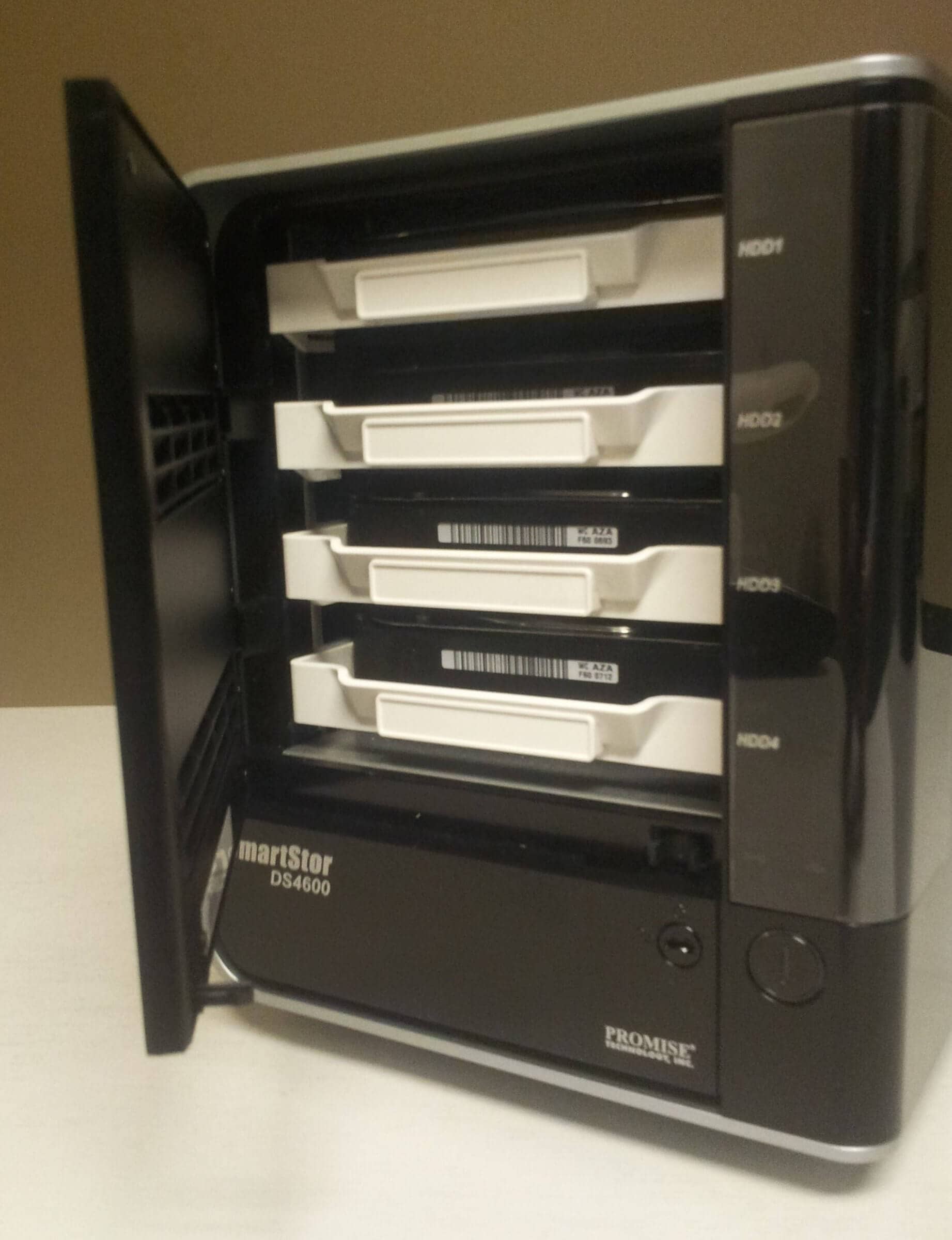
Firmware and software update failures have become an increasingly common cause of RAID failure, particularly with consumer and prosumer NAS devices. An update that completes incorrectly can corrupt RAID metadata, modify volume configurations, or reset the controller to a state that does not recognise the existing array.
What Should You Do Immediately After a RAID Array Failure?
In case of RAID array failure, stop all write activity to the array. If the array is still partially accessible and the operating system is continuing to read and write data to it, disconnect it from active use immediately. This applies whether you are dealing with a server RAID, a NAS device, or a software RAID configuration on a desktop or workstation.
Do not replace failed disks without specialist guidance. The instinctive response to a degraded array with one failed disk is to replace the failed disk and let the controller rebuild. In many cases this works correctly, but if the remaining disks in the array are themselves in a degraded condition, forcing a rebuild places them under additional read stress that can trigger a second failure, destroying the array entirely. A specialist assessment before attempting any rebuild is worthwhile whenever a disk failure was not caught immediately.
Do not run CHKDSK or fsck on a degraded or failed RAID volume. Do not attempt to format and recreate the array. Do not run data recovery software on the live array. Each of these actions risks overwriting data that is still physically present and recoverable.
Contact data recovery services as soon as the failure is confirmed. Disk Doctors understands that RAID failure means system downtime, and business-critical cases are handled with the urgency they require.
What RAID Types and Configurations Can Disk Doctors Recover?
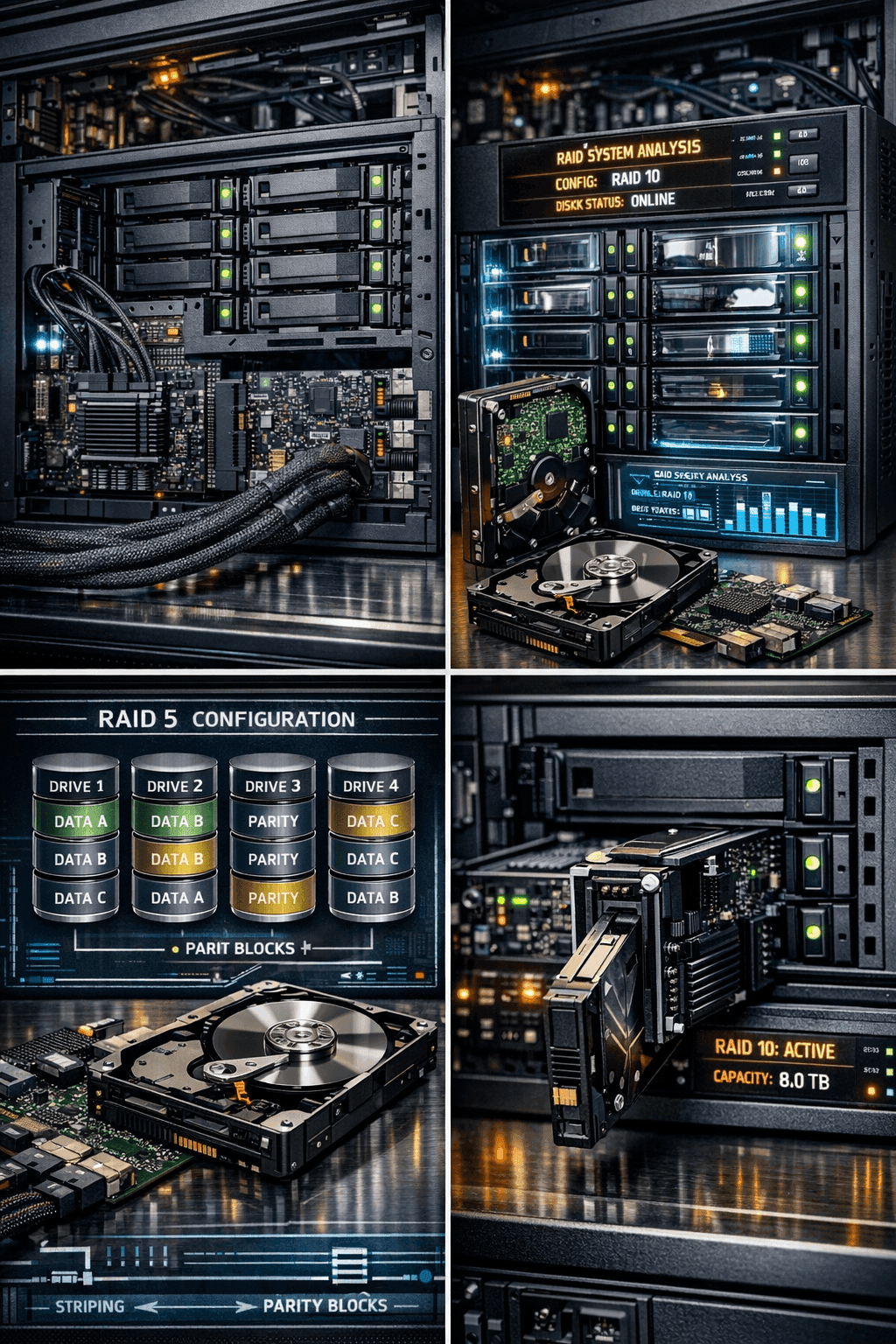
Disk Doctors handles the full range of RAID configurations in common use. RAID 0 recovery requires stripe reassembly across all member disks and is achievable even after complete array failure. RAID 1 mirror recovery typically has a high success rate when at least one disk remains in a readable condition. RAID 5 recovery after double-disk failure or a failed rebuild is among the most technically demanding scenarios the team handles. RAID 10 and RAID 6 each present their own specific recovery challenges, addressed through cleanroom disk work and specialist array reconstruction tools.
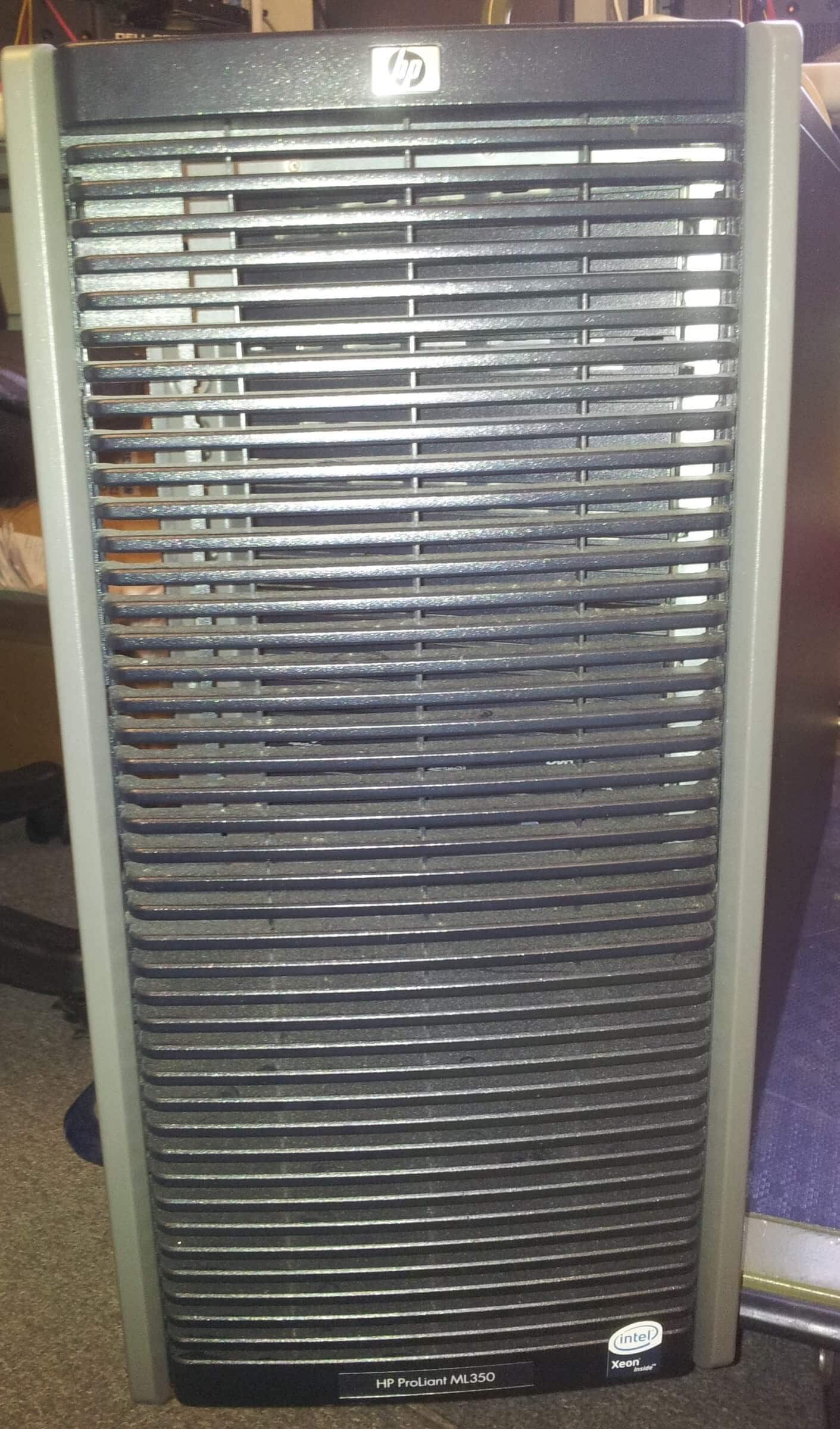
Hardware RAID controllers from all major manufacturers, including Adaptec, LSI, Dell PERC, HP Smart Array, and Areca, are handled as part of the recovery process. Software RAID implementations on Linux using mdadm, Windows Storage Spaces, and macOS are equally supported. NAS RAID arrays from Synology, QNAP, and Drobo represent a substantial proportion of the business RAID failure cases handled and are approached with specific knowledge of those platforms' volume management systems.
What Early Warning Signs Should Never Be Ignored?
RAID array failure rarely arrives without any prior indication, though the signals are frequently missed or noted for later investigation until it is too late. An array reporting as degraded, even if it is still fully accessible and performing normally, is a serious warning requiring immediate action. A degraded RAID 5 array has lost all fault tolerance. The next disk failure will take the volume completely offline.
SMART warnings on individual member disks reporting reallocated sectors, pending sectors, or uncorrectable read errors indicate that those disks are beginning to fail and should be replaced before that failure occurs. Increased read errors, unexpected controller disconnections, or brief periods of array inaccessibility that resolve themselves are often early signs of controller or connectivity problems that will eventually produce a full outage.
None of these signals should be left for later. Each one is a potential precursor to complete RAID failure, and the window between warning and failure is often shorter than it appears.
FAQs: RAID Array Failure
Frequently Asked Questions
Does RAID protect against all data loss?
No. RAID provides redundancy against certain types of disk failure but does not protect against multiple simultaneous disk failures, controller failure, logical corruption, accidental deletion, or ransomware. RAID is not a substitute for regular backups.
Can data be recovered from a completely failed RAID 5 array?
Yes, in many cases. Recovery depends on the condition of the individual disks, whether any rebuild attempts have been made, and the specific failure mode. Disk Doctors has extensive experience recovering RAID 5 arrays that have gone fully offline, including after failed rebuild attempts.
Should I attempt to rebuild a failed RAID before contacting a recovery specialist?
If you have any doubt about the condition of the remaining disks or the cause of the failure, do not. Forcing a rebuild on an array where one or more remaining disks are degraded is the single most common cause of turning a recoverable situation into an unrecoverable one. Contact a specialist first.
Can Disk Doctors recover data from a NAS RAID that will not mount?
Yes. Synology, Dell, HP, QNAP, and Drobo NAS RAID arrays that fail to mount are among the more common cases the team handles. The specific volume management systems used by these platforms require specialist knowledge that Disk Doctors' engineers have developed through extensive case experience.
How quickly can Disk Doctors assess a failed RAID array?
Disk Doctors offers rapid initial assessment for business-critical RAID failures, understanding that system downtime has direct operational and financial costs. Contact the team immediately after the failure is discovered and explain the urgency of the situation.
What is the Disk Doctors no recovery no fee policy?
Disk Doctors does not charge a recovery fee if your data cannot be successfully retrieved. You receive a file list for review before any fee is confirmed. Return shipping is the only cost if recovery proves impossible. This policy applies to all data recovery work, including RAID failure cases.
Is remote recovery possible for a failed RAID array?
For logical failures where the disks are physically healthy, and the array remains at least partially accessible, remote recovery may be possible in specific circumstances. Physical failures, controller failures, and any case requiring cleanroom work on the disk hardware require the member disks to be sent to the Disk Doctors lab.
Can RAID data be recovered after a power surge?
Yes. Power surge-related RAID failures typically produce metadata corruption, filesystem inconsistency, or controller damage rather than physical destruction of the underlying data. The data is usually still physically present on the disks and recoverable with the right specialist approach.