Table of Contents
- What Is Data Recovery from a Laptop Hard Drive?
- How Laptop Hard Drives and SSDs Store Your Data
- Why Laptop Drives Are More Vulnerable Than Desktop Drives
- Common Causes of Laptop Data Loss
- Accidental File Deletion or Drive Formatting
- File System Corruption and Logical Errors
- Physical Impact: Drops, Knocks, and Vibration
- Liquid Damage and Overheating
- Firmware Corruption and SSD Controller Failure
- Ransomware and Malware Attacks
- Logical vs Physical Laptop Drive Failure: How to Identify the Problem
- What To Do Immediately After Data Loss
- Laptop Data Recovery Software: When DIY Methods Work
- How To Use Recovery Software Safely
- Limitations of DIY Software on SSDs
- Professional Data Recovery from Laptop Hard Drives: The Full Process
- Laptop Data Recovery Cost: What Should You Expect?
- Laptop Data Recovery for Specific Situations
- How To Find Laptop Data Recovery Near You
- Why Professional Recovery Matters
- Frequently Asked Questions
Losing access to important laptop files can be stressful, especially when the drive contains personal photos, business documents, work projects, or important records. Fortunately, data recovery from laptop hard drive is often possible depending on the cause of the failure and the actions taken after data loss occurs.
A laptop hard drive can stop working because of accidental deletion, formatting, physical damage, file system corruption, malware, or hardware failure. In some cases, the data is still stored on the drive but cannot be accessed through normal methods.
Understanding how laptop hard drive recovery works, what causes data loss, and when professional help is required can significantly improve the chances of getting your files back.
This complete guide explains:
- How laptop hard drives store data
- Common reasons laptops lose files
- Difference between logical and physical failures
- When recovery software can help
- How professional recovery works
- Laptop data recovery cost factors
- How to choose a reliable recovery provider
What Is Data Recovery from a Laptop Hard Drive?
Data recovery from laptop hard drive is the process of retrieving inaccessible, deleted, corrupted, or lost files from a laptop storage device.
The recovery process depends on the condition of the drive.
For example:
- A deleted file may require software-based recovery
- A corrupted partition may require file system repair
- A damaged hard drive may require specialist hardware recovery
When files are deleted, they are not always immediately removed from the storage device. Instead, the space they occupy is marked as available for future use. Until new data overwrites that space, recovery may still be possible.
However, continuing to use the laptop after data loss increases the chance of permanent loss because new files can replace recoverable information.
How Laptop Hard Drives and SSDs Store Your Data
Laptop storage mainly uses two types of technology:
Hard Disk Drives (HDDs)
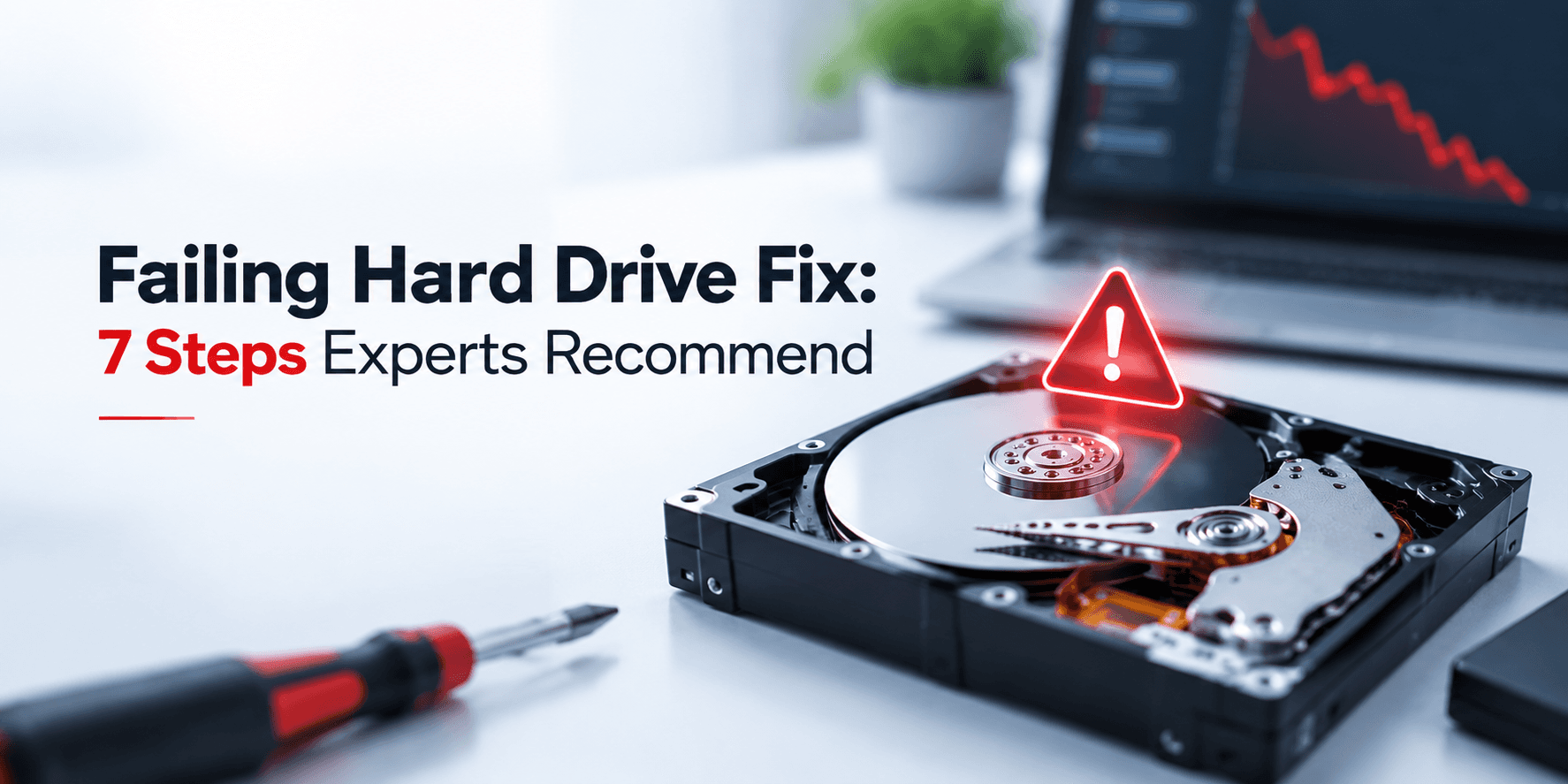
Traditional laptop hard drives store information magnetically on spinning platters.
They contain:
- Magnetic disks
- Read/write heads
- Spindle motors
- Electronic controllers
Because HDDs contain moving parts, they are vulnerable to:
- Drops
- Vibrations
- Mechanical wear
- Physical damage
Solid State Drives (SSDs)
SSDs store data using flash memory chips instead of moving components.
Advantages include:
- Faster performance
- Better resistance to physical shock
- Lower power consumption
However, SSD recovery can be more complex because of:
- TRIM commands
- Encryption
- Controller failures
- Wear levelling technology
This is why HDD recovery and SSD recovery require different approaches.
Why Laptop Drives Are More Vulnerable Than Desktop Drives
Laptop drives face unique challenges because laptops are designed for portability.
Common risks include:
- Accidental drops
- Movement while running
- Heat buildup
- Limited airflow
- Battery-related power interruptions
A desktop computer usually remains stationary, while laptops are frequently carried between locations.
Even a small physical impact can damage internal components, especially in traditional hard disk drives.
Common Causes of Laptop Data Loss
Laptop data loss can happen for many reasons.
The most common causes include:
- Accidental deletion
- Formatting errors
- Hardware failure
- Physical damage
- Malware attacks
- File system corruption
- Firmware problems
Understanding the cause is important because the recovery method depends on the type of failure.
Accidental File Deletion or Drive Formatting
Accidental deletion is one of the most common reasons users search for recovery solutions.
Examples include:
- Emptying the Recycle Bin
- Deleting important folders
- Formatting the wrong partition
- Resetting the laptop
The good news is that deleted files may still exist until overwritten.
The important steps are:
- Stop using the laptop
- Avoid downloading new files
- Do not install recovery software on the affected drive
File System Corruption and Logical Errors
Logical failure occurs when the hardware works, but the operating system cannot properly read the data.
Symptoms include:
- Files not opening
- Missing folders
- Drive showing incorrect capacity
- Error messages
Common causes include:
- Sudden power loss
- Improper shutdown
- Malware
- Failed updates
Logical failures are sometimes recoverable using software tools, but incorrect repairs can make recovery more difficult.
Physical Impact: Drops, Knocks, and Vibration
Physical damage is one of the most serious causes of laptop data loss.
A dropped laptop may damage:
- Read/write heads
- Internal platters
- Drive connectors
Warning signs include:
- Clicking sounds
- Grinding noises
- Drive not detected
- Computer freezing when accessing files
If physical damage is suspected, stop using the laptop immediately.
Professional Hard Drive Recovery may be required to safely retrieve files.
Liquid Damage and Overheating
Liquid spills and excessive heat can damage both laptops and storage devices.
Common causes include:
- Water spills
- Coffee damage
- Overheated components
- Poor ventilation
Liquid damage can affect:
- Drive electronics
- Motherboard connections
- Storage controllers
Never power on a liquid-damaged laptop repeatedly, as this can increase damage.
Firmware Corruption and SSD Controller Failure
Modern storage devices rely on firmware to communicate correctly with computers.
Firmware issues can cause:
- Drive detection problems
- Incorrect capacity display
- Complete inaccessibility
SSD controller failure is particularly challenging because the memory chips may still contain data, but the controller cannot access it normally.
These cases usually require specialist tools.
Ransomware and Malware Attacks
Cyber threats can also result in data loss.
Ransomware may:
- Encrypt files
- Block access
- Damage system files
Recovery options depend on:
- Available backups
- Encryption type
- Malware severity
Logical vs Physical Laptop Drive Failure: How to Identify the Problem
Correct diagnosis is important because different failures require different solutions.
Warning Signs of Logical Failure
Logical problems usually show symptoms such as:
- Missing files
- Deleted folders
- Drive visible but inaccessible
- Formatting messages
- Corrupted files
In these situations, laptop data recovery software may sometimes help.
Warning Signs of Physical Drive Failure
Physical failure symptoms include:
- Clicking sounds
- Grinding noises
- Burning smell
- Drive not detected
- Laptop freezing during access
Software cannot repair physical damage.
Using recovery tools on a physically damaged drive may make the situation worse.
What To Do Immediately After Data Loss
The first actions after losing files are critical.
Do:
Stop using the laptop
- Disconnect external devices
- Protect the drive from further damage
- Seek professional advice if files are important
Do Not:
Install software on the affected drive
- Continue downloading files
- Format the drive
- Run unnecessary repair tools
Laptop Data Recovery Software: When DIY Methods Work
Many users search for laptop data recovery software after accidentally deleting files.
Software recovery can help in cases such as:
- Deleted files
- Empty recycle bin
- Simple formatting
- Logical corruption
However, software cannot fix:
- Broken read/write heads
- Damaged platters
- Failed SSD controllers
- Severe hardware failure
How To Use Recovery Software Safely
If attempting software recovery:
- Install it on another drive
- Recover files to separate storage
- Avoid writing data back to the affected drive
Saving recovered files on the same drive can overwrite remaining data.
Limitations of DIY Software on SSDs
SSD recovery has additional challenges.
Technologies like:
- TRIM
- Encryption
- Wear levelling
can make recovery more complicated.
For important SSD data, professional assessment is often the safer option.
Professional Data Recovery from Laptop Hard Drives: The Full Process
Professional recovery follows a controlled process.
Step 1: Submit Your Laptop Drive for Evaluation
The process begins with a detailed assessment.
Customers can submit drives safely for evaluation, including through secure shipping options.
Step 2: Same-Day Media Evaluation
Experts examine:
- Drive condition
- Failure type
- Recovery possibility
A clear recovery quote can then be provided.
Step 3: Cleanroom Recovery for Physical Damage
Physically damaged drives may require Class 100 cleanroom facilities.
A controlled environment prevents contamination while specialists work on sensitive internal components.
Step 4: Logical Recovery and File Extraction
Once the drive is stable, specialists extract recoverable files using advanced recovery methods.
Step 5: Review Recoverable Files Before Payment
A transparent recovery process allows customers to verify recovered files before completing payment.
Step 6: Secure Data Return
Recovered files are returned securely using appropriate delivery methods.
Laptop Data Recovery Cost: What Should You Expect?
Many users ask about laptop data recovery cost before sending their device.
The price depends on several factors.
Factors Affecting Recovery Pricing
These include:
- Type of failure
- Drive condition
- Amount of damage
- Storage capacity
- Recovery complexity
- Required turnaround speed
Logical recovery is usually less complex than physical cleanroom recovery.
Emergency Recovery Options
Urgent cases may require priority recovery services.
Businesses with critical downtime often choose faster turnaround options.
Understanding No Data, No Charge
A professional recovery provider should clearly explain pricing policies.
A no-data-no-charge approach means customers are not charged if required files cannot be recovered.
Laptop Data Recovery for Specific Situations
Recovering Data From a Laptop That Won’t Turn On
A laptop that will not power on does not always mean the drive has failed.
The storage device can often be removed and assessed separately.
Recovering Data From a Water-Damaged Laptop
Immediately:
- Turn off the laptop
- Do not attempt repeated startups
- Seek professional assessment
Recovering Data After Formatting
Formatted drives may still contain recoverable information if new data has not overwritten the storage area.
Recovering Data From Laptop SSDs
SSD recovery requires specialized knowledge because of modern storage technologies.
Mac Laptop Recovery
MacBooks introduce additional considerations, including:
- APFS file systems
- FileVault encryption
- Security chips
How To Find Laptop Data Recovery Near You
Many users search for laptop data recovery near me when they need urgent help.
However, location is not always the most important factor.
Look for:
- Experienced engineers
- Cleanroom facilities
- Transparent pricing
- Verified reviews
- Secure handling processes
A provider offering secure shipping can help customers access specialist recovery regardless of location.
Why Professional Recovery Matters
Professional Laptop Data Recovery is recommended when:
- The drive has physical damage
- Important business files are involved
- Software recovery fails
- The laptop cannot detect the drive
Specialists use safer methods designed to protect the original data.
Frequently Asked Questions
Can data be recovered from a completely dead laptop?
Yes, if the storage device is still recoverable. The drive can often be removed and assessed separately.
How long does laptop data recovery take?
Recovery time depends on the failure type. Simple logical cases may be faster, while physical damage requires more detailed work.
Is it safe to send a laptop drive for recovery?
Yes, when packaged correctly and handled by an experienced recovery provider.
What is the success rate for laptop hard drive recovery?
Success depends on the type of failure, damage level, and condition of the storage device.
Can laptop data recovery software recover everything?
No. Software works best for logical issues and cannot repair physically damaged drives.