Table of Contents
Introduction
Windows suddenly reports your drive as RAW and asks you to format it — a nightmare scenario for anyone with important files. Before clicking “Format,” it’s crucial to know how to recover data from RAW drive safely. A RAW file system means the operating system cannot read the file structure, yet in many cases, the actual data is still intact. This guide walks you through the steps to fix RAW file systems and recover data from RAW drive without losing your files.
What Is a RAW Drive?
A RAW drive occurs when the file system becomes corrupt or unrecognizable by Windows. Common symptoms include:
- Windows prompts to format the disk
- Inaccessible files or folders
- Drive properties showing 0 bytes or unallocated space
Even though it looks empty or unusable, your data often still exists and can be retrieved.
Common Causes of RAW Drives
Understanding why a drive becomes RAW can help prevent future issues:
- Sudden power loss or improper shutdown
- Virus or malware attacks
- File system corruption
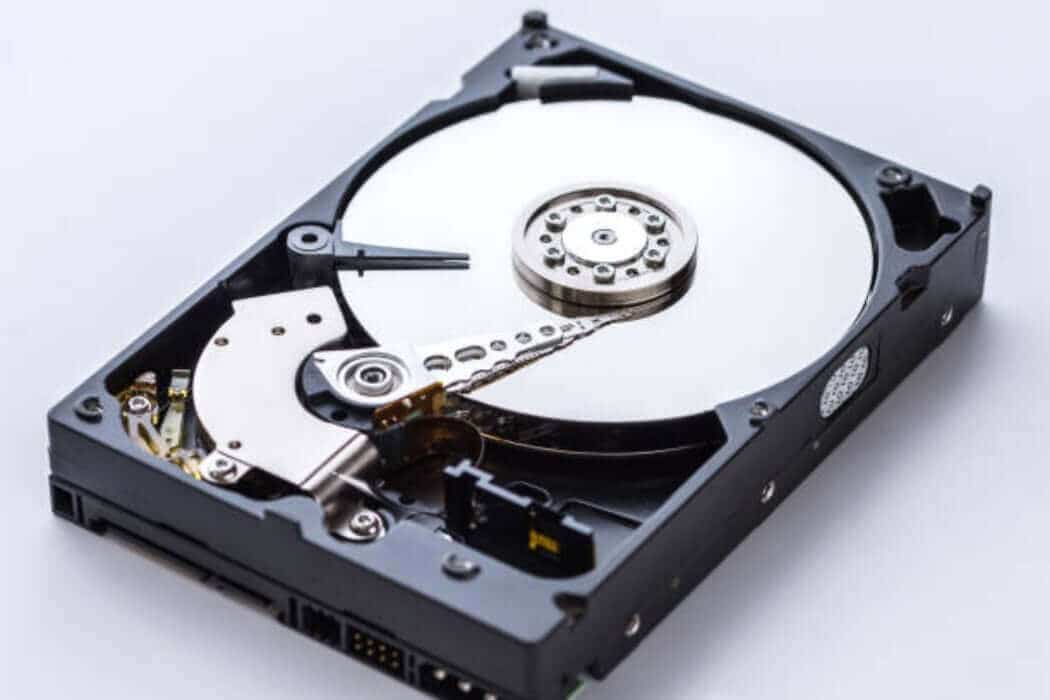
- Hardware failure or bad sectors
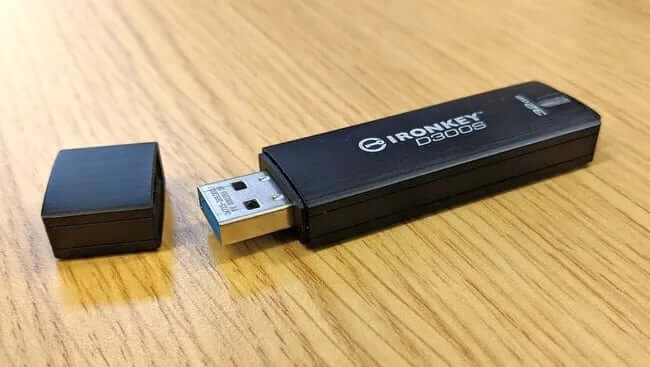
- Removing external drives without safely ejecting
Identifying the cause helps determine whether a DIY recovery is possible or professional help is required.
Warning Signs Your Drive Is Becoming RAW
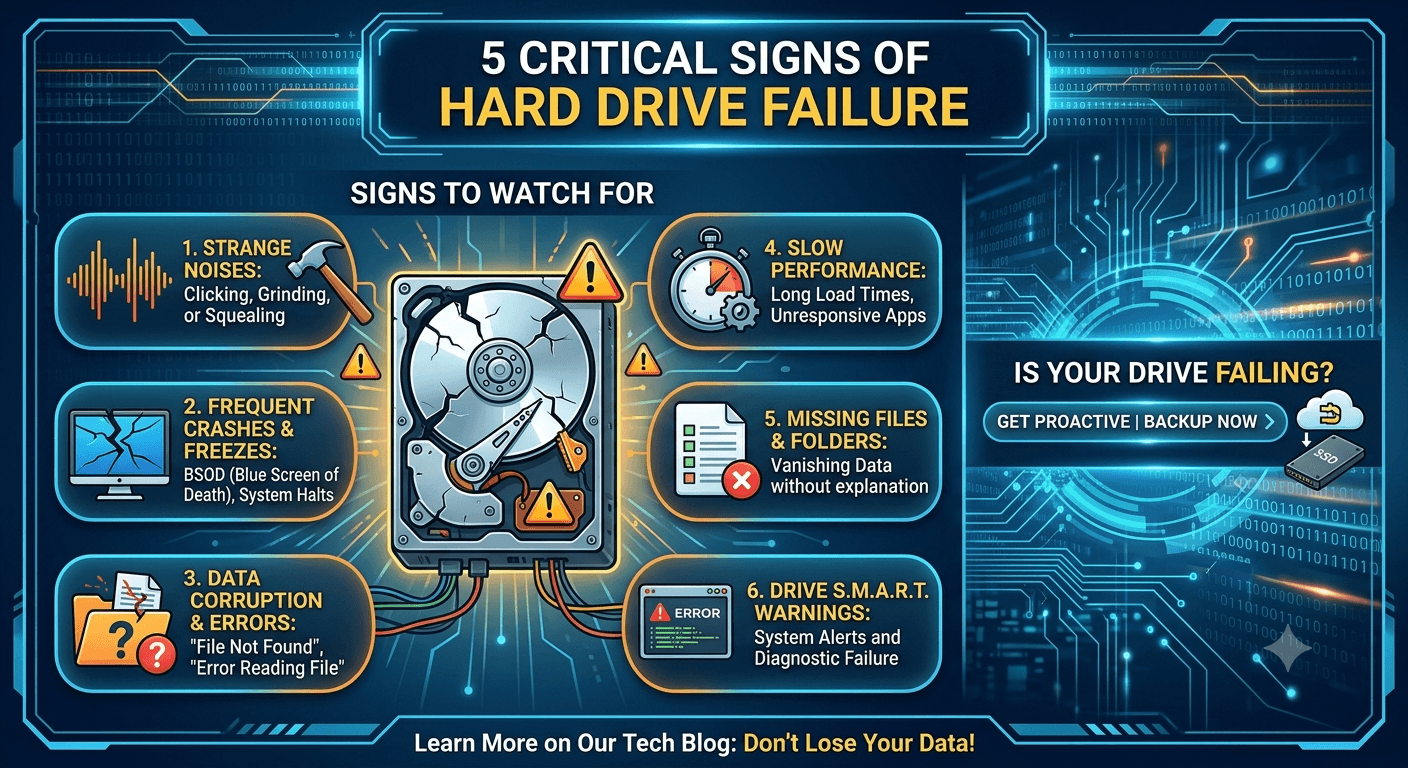
Before the RAW status appears, some drives show early warning signs:
- Files take unusually long to open
- Frequent system freezes or crashes
- Clicking or grinding noises from the drive
- Unrecognized partitions or disappearing files
Noticing these signs early can improve the chances of successful recovery.
Step-by-Step Guide: Recover Data from RAW Drive
1. Stop Using the Drive Immediately
Continuing to access or write data to a RAW drive can overwrite recoverable files. Disconnect the drive and avoid any unnecessary operations.
2. Do NOT Format the Drive
Formatting destroys file tables, making recovery more difficult. Even quick formats can permanently overwrite critical information.
3. Use Reliable Recovery Software (Optional)
Some cases allow safe recovery using specialized tools, but only if the drive is not physically damaged. Look for software designed specifically for RAW drive recovery.
4. Seek Professional Help
For critical data or physically damaged drives, professional recovery services are the safest route. Services like Hard Drive Recovery, External Drive Recovery, and SSD Recovery have the tools and expertise to extract data safely from RAW drives.
DIY vs Professional Recovery
While small-scale logical errors can sometimes be recovered using software, physical issues like bad sectors or mechanical failure require professional intervention. Attempting DIY recovery on a failing or RAW drive without proper knowledge can permanently damage files.
Prevention Tips for RAW Drives
- Regular backups to external or cloud storage
- Safely eject drives to prevent corruption
- Monitor drive health and run periodic error checks
- Use surge protectors and stable power sources
- Replace aging drives before failure
These practices help reduce the likelihood of RAW file systems.
How Professional Recovery Works
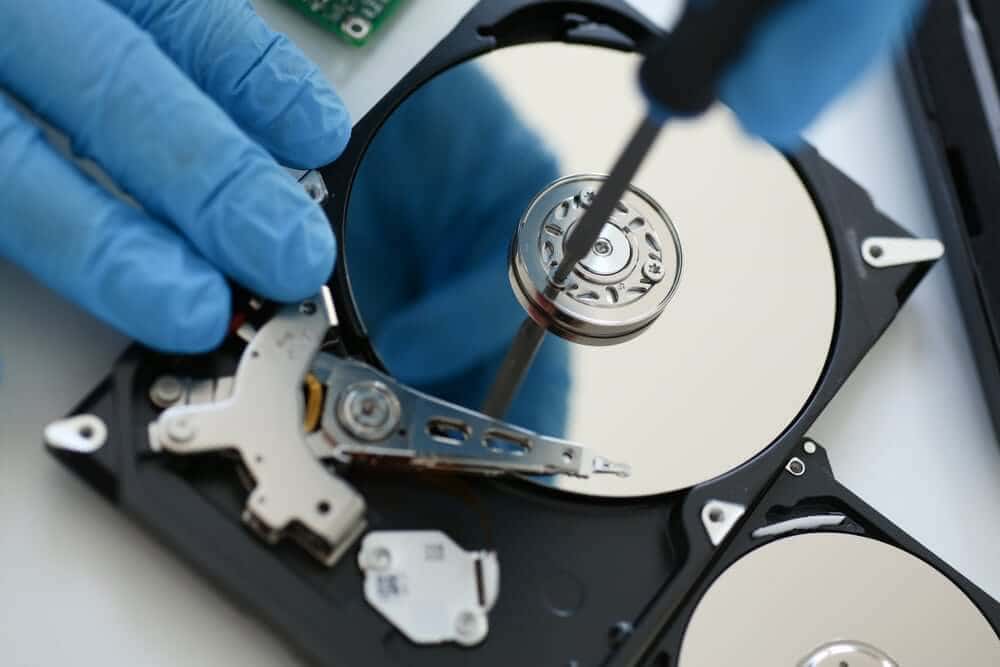
Professional recovery involves:
- Cloning the drive to prevent further damage
- Scanning for recoverable files using specialized tools
- Repairing or bypassing corrupted sectors
- Extracting and reconstructing data in a secure environment
Using trusted recovery services ensures confidentiality, safety, and the highest chance of retrieving lost files.
Conclusion
A RAW drive may seem like a total loss, but with careful action, you can often recover data from RAW drive safely. The key is to act quickly, avoid formatting, and know when to call professionals. Drives that are left untouched or handled correctly have a significantly higher recovery success rate.
If your drive contains critical files, consider consulting Disk Doctors, who provide expert Hard Drive Recovery, External Drive Recovery, and SSD Recovery services to retrieve your data securely.
Frequently Asked Questions
1. Can I recover data from a RAW drive myself?
Yes, if it’s a logical corruption without physical damage, but software must be used carefully.
2. What causes a RAW drive?
File system corruption, virus attacks, power failures, or hardware issues.
3. Should I format a RAW drive?
No. Formatting risks permanent data loss.
4. How much does professional recovery cost
It depends on damage complexity; most services offer a free evaluation.
5. How long does RAW drive recovery take?
Simple logical recoveries can take hours; complex or physically damaged drives may take days.