Table of Contents
- Reliable NAS devices can also fail
- Quick Answer: Can Buffalo NAS Data Recovery Restore Files from a Failed NAS?
- 1. Hard Drive Failure Inside the NAS – Buffalo NAS Data Recovery Considerations
- 2. RAID Corruption or Degraded RAID Array
- 3. Accidental Deletion or Formatting
- 4. Failed Firmware Update
- 5. Power Failure or Electrical Damage
- 6. Overheating and Long-Term Wear
- What You Should Not Do After Buffalo NAS Failure
- Why Businesses Should Act Quickly
- Why Professional Buffalo NAS Data Recovery Matters for Your Business
- Final Thoughts
- Frequently Asked Questions
Buffalo NAS devices are popular because they make file storage simple. Small businesses, offices, creative teams, accountants, agencies, and home users often use Buffalo LinkStation or TeraStation systems to store shared files, backups, media, and project folders. But even reliable NAS devices can fail. A Buffalo NAS data recovery approach ensures that when failure occurs, critical files can still be retrieved safely. One day, everything is working; the next, the NAS will not boot, shared folders vanish, users cannot log in, or the device shows RAID errors. Taking the wrong action at this point can turn a recoverable case into a much harder one.
Reliable NAS devices can also fail
One day, everything is working. The next day, the NAS will not boot, shared folders vanish, users cannot log in, or the device starts showing RAID errors. That is the moment when the wrong action can turn a recoverable case into a much harder one.
If your Buffalo NAS has failed, the safest move is to stop using it and contact a professional Data Recovery Lab. A specialist can inspect the disks, rebuild the storage structure, and help recover lost data from damaged NAS systems, RAID arrays, and failed hard drives.
Quick Answer: Can Buffalo NAS Data Recovery Restore Files from a Failed NAS?
Yes, data can often be recovered from a failed Buffalo NAS if the drives are not overwritten, reformatted, or rebuilt incorrectly. A professional UK based data recovery lab can remove the drives safely, clone them, reconstruct the RAID or file system, and recover files from damaged LinkStation, TeraStation, and other Buffalo storage devices.
1. Hard Drive Failure Inside the NAS – Buffalo NAS Data Recovery Considerations
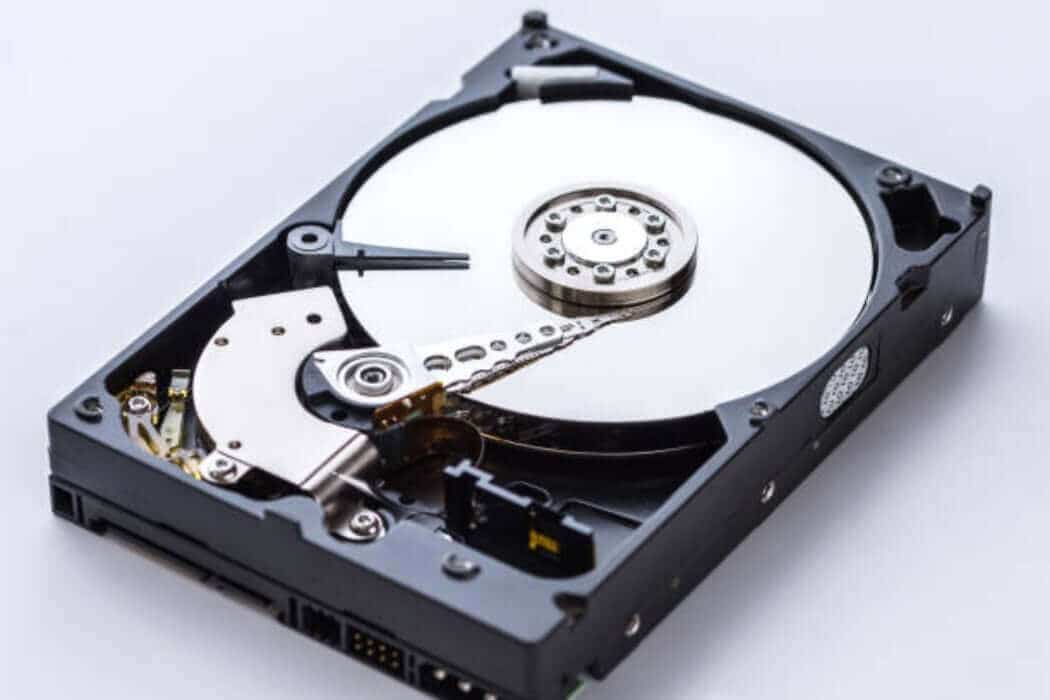
A Buffalo NAS depends on the hard drives inside it. If one or more drives fail, the entire system can become unstable or inaccessible. This may happen because of age, bad sectors, overheating, mechanical failure, or power issues.
Warning signs include:
Clicking or grinding sounds
NAS not booting
Missing shared folders
Red warning lights
RAID degradation alerts
Slow file access
Drives appearing and disappearing
If the drive is physically failing, do not keep restarting the NAS. Repeated power cycles may make the damage worse. A professional lab can work to recover files from any failed hard disk by using specialist tools and safe handling methods.
For complex NAS and RAID-related cases, you can explore Disk Doctors’ RAID recovery service.
2. RAID Corruption or Degraded RAID Array
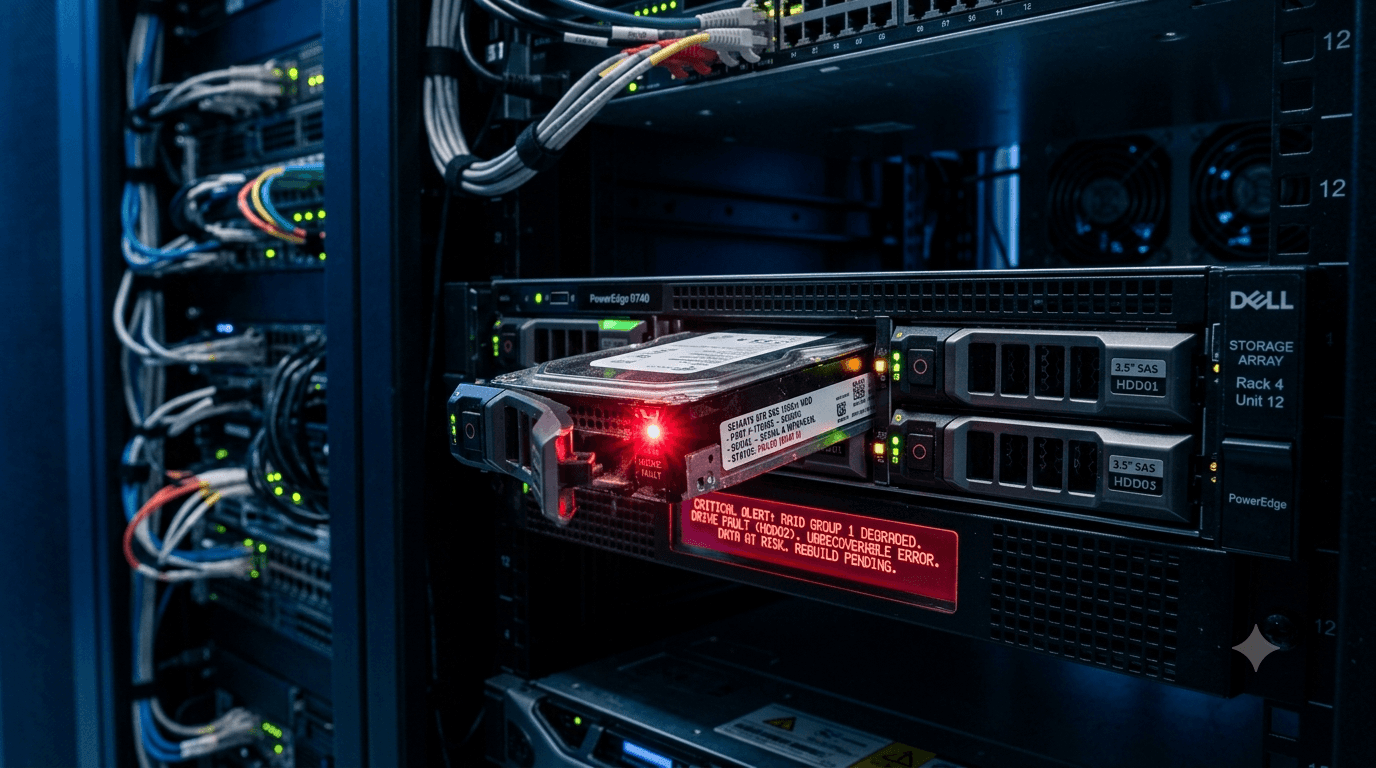
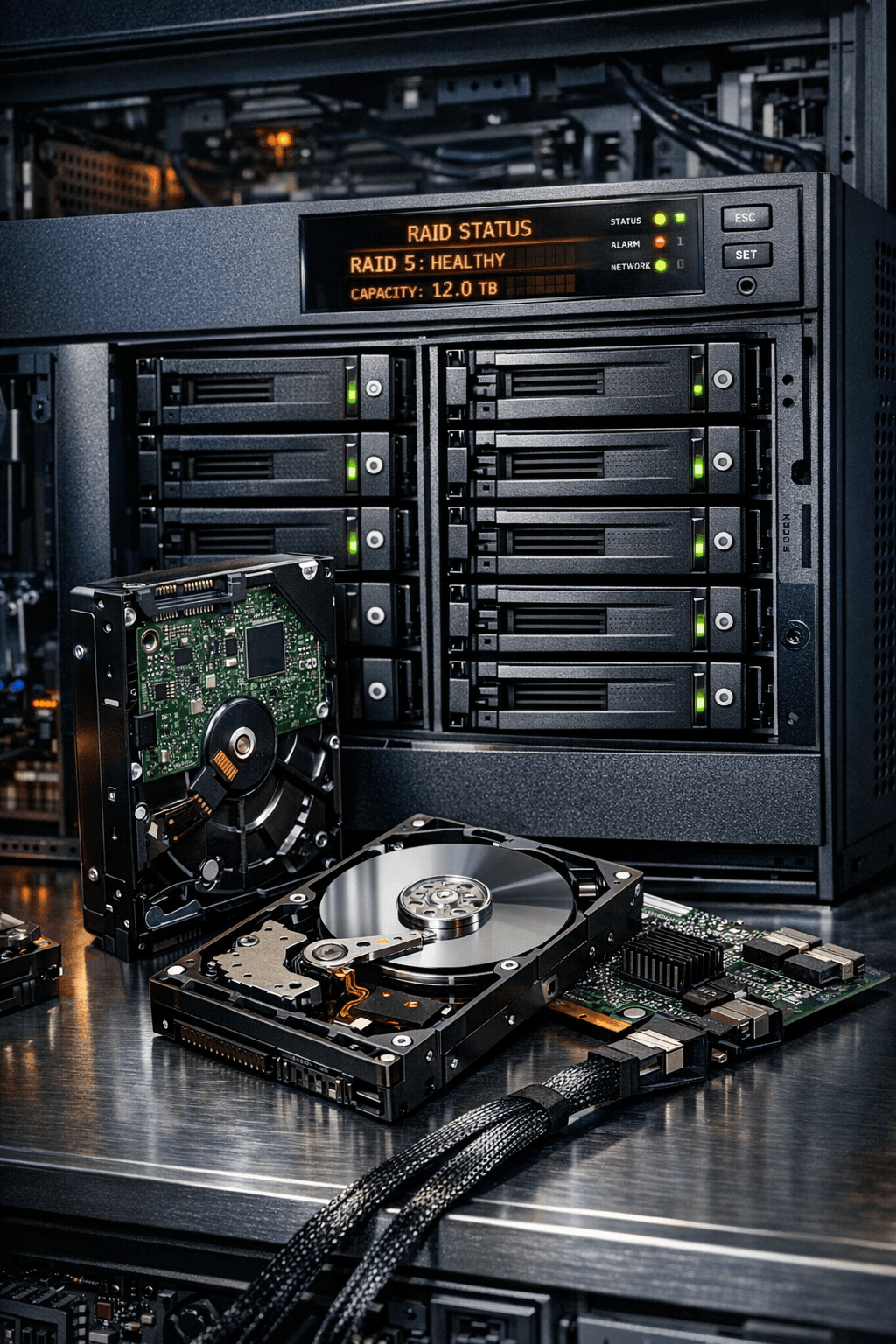
Many Buffalo NAS systems use RAID to provide storage performance or redundancy. But RAID is not a magic shield. It can still fail because of drive problems, rebuild errors, controller issues, power cuts, or incorrect configuration.
A degraded RAID array may still work for a while, but it is vulnerable. If another disk fails, your data may become inaccessible.
In cases like this, engaging professional Buffalo NAS data recovery ensures your critical business files remain safe and accessible, even if multiple drives are affected.
This is where businesses need to be careful. Running random data recovery software or trying to force a rebuild can damage the RAID structure. For business files, databases, design projects, accounts, or shared client folders, expert Data recovery services for businesses are usually the safer choice.
3. Accidental Deletion or Formatting
Sometimes the NAS itself is not physically broken. The data may be lost because someone accidentally deleted a folder, formatted a volume, reset the device, or changed a configuration.
This can feel like a small mistake, but the next steps are critical.
If the NAS continues to run, new files may overwrite the deleted data. That reduces the chance of recovery. So, if important files are missing, stop using the NAS immediately.
In many cases, a specialist Data Recovery Lab may still be able to recover lost data if the deleted files have not been overwritten.
4. Failed Firmware Update
Firmware updates are meant to improve device performance and security. But if an update fails, gets interrupted, or installs incorrectly, the NAS may stop booting or fail to recognise its storage volumes.
This can happen after:
Power loss during update
Network interruption
Incorrect firmware version
Corrupted firmware package
Existing disk errors before the update
A failed firmware update can make the NAS look completely dead, even when the data is still present on the drives. The important thing is not to initialise, or factory reset the device, unless you fully understand the consequences.
If your Buffalo NAS fails after a firmware update, a specialist in Buffalo NAS data recovery can often restore access to your files without risking the original drives.
Disk Doctors offers specialist Buffalo NAS data recovery support for cases involving LinkStation, TeraStation, RAID corruption, failed drives, and damaged file systems.
5. Power Failure or Electrical Damage
Power cuts and electrical surges are common causes of NAS failure. A sudden shutdown can interrupt write operations, corrupt the file system, damage RAID metadata, or cause the NAS to stop recognising its disks.
Professional Buffalo NAS data recovery services can assess whether the issue is logical, physical, or both, helping to prevent permanent data loss.
If the NAS failed after a power cut, avoid repeated restart attempts. Also, avoid clicking “repair” without understanding what the repair tool will change.
A UPS can help prevent future damage, but once the NAS is already corrupted, professional help may be needed. A UK based data recover lab can assess whether the issue is logical, physical, or both.
6. Overheating and Long-Term Wear
NAS devices often run for years with very little attention. They sit in cupboards, offices, server rooms, reception areas, or under desks. Over time, dust, heat, poor ventilation, and constant usage can wear down the drives.
Heat is especially harmful because it can shorten drive life and increase the chance of failure. If your Buffalo NAS feels hot, runs slowly, or regularly disconnects, treat it as a warning sign.
Businesses should monitor NAS health, replace failing drives early, and keep proper backups. But if the device has already failed, professional Data recovery services for businesses can help protect important files and reduce unnecessary risk.
What You Should Not Do After Buffalo NAS Failure
When data is important, what you avoid is just as important as what you do.
Do not:
Factory reset the NAS
Rebuild the RAID without diagnosis
Format the drives
Change the drive order
Install data recovery software on the affected disks
Keep restarting and clicking drives
Add new files to the NAS
Replace multiple drives without a clear recovery plan
These actions can overwrite data, damage the RAID structure, or make recovery more difficult.
Why Businesses Should Act Quickly
For a business, NAS failure is not only a technical issue. It can affect sales, operations, reporting, customer service, design work, invoices, compliance files, and internal communication.
That is why professional support matters. A specialist can identify whether the issue is caused by failed disks, RAID corruption, firmware problems, file system damage, or accidental deletion.
A professional lab also works to recover files from any failed hard disk using safer recovery methods instead of experimenting directly on the original drives.
Why Professional Buffalo NAS Data Recovery Matters for Your Business
A professional recovery process usually starts with diagnosis. Engineers inspect the NAS, check each drive, create safe clones, analyse the RAID or file system, and then rebuild the data structure from copies.
This is much safer than running tools directly on the original disks.
If your NAS contains business-critical files, a professional UK based data recover lab can give you a clearer answer on what is recoverable, how complex the case is, and what steps should happen next.
Final Thoughts
Buffalo NAS failure can feel stressful, especially when shared folders, client files, account data, or backups are suddenly unavailable. But many NAS cases are recoverable when handled correctly.
The main rule is simple: stop using the NAS, avoid risky DIY fixes, and get expert support. Disk Doctors can help diagnose Buffalo NAS failures, rebuild damaged storage structures, and recover lost data from failed drives, RAID arrays, and corrupted NAS systems.
Frequently Asked Questions
Can files be recovered from a Buffalo LinkStation?
Yes, files can often be recovered from a Buffalo LinkStation if the drives are not overwritten or physically destroyed. Recovery depends on the damage type, RAID setup, and whether the system was rebuilt or formatted after failure.
Can data be recovered from a Buffalo TeraStation?
Yes, Buffalo TeraStation data recovery is possible in many cases. These systems often use RAID, so recovery may require rebuilding the array structure before files can be extracted.
Is Buffalo NAS Data recovery possible after factory reset?
Sometimes, yes. If the reset did not overwrite the original data, a professional lab may still be able to recover files. Stop using the NAS immediately to improve the chances.
Should I remove the drives from my Buffalo NAS?
Only remove them if you can label their exact original order. Drive order can be important in RAID recovery. If you are unsure, leave the device as it is and speak to a specialist first.
Can software recover Buffalo NAS data?
Basic software may help in simple deleted-file cases, but NAS and RAID failures are often more complex. If the drives are failing or the RAID is damaged, software can make things worse. A professional Data Recovery Lab is safer for valuable files.